Context Menus
In the CodeGlass Client there are a lot of places where Code Members and Memory Objects are shown. By right clicking these elements, you will open their context menu.
Memory Object
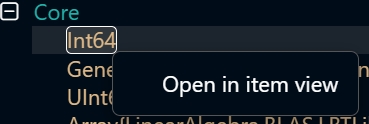
Clicking the Open in item view button will open the Memory Object.
Code Member / Module
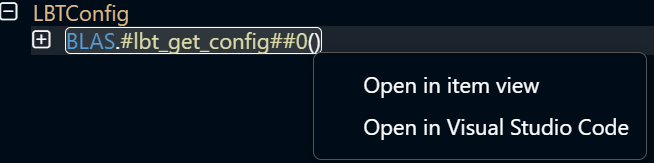
Clicking the Open in item view button will open the Code Member or Module.
Clicking the Open in Visual Studio Code button will try to open VS Code and locate the Code Member.
Statistics / Application Explorer
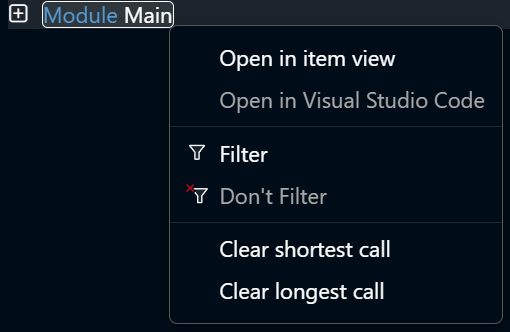
The context menus in the statistics view and application explorer also have the option to filter the Code Member or Module.
In the statistics view it is even possible to clear the longest and shortest call duration of that Module or Code Member.