Task Explorer
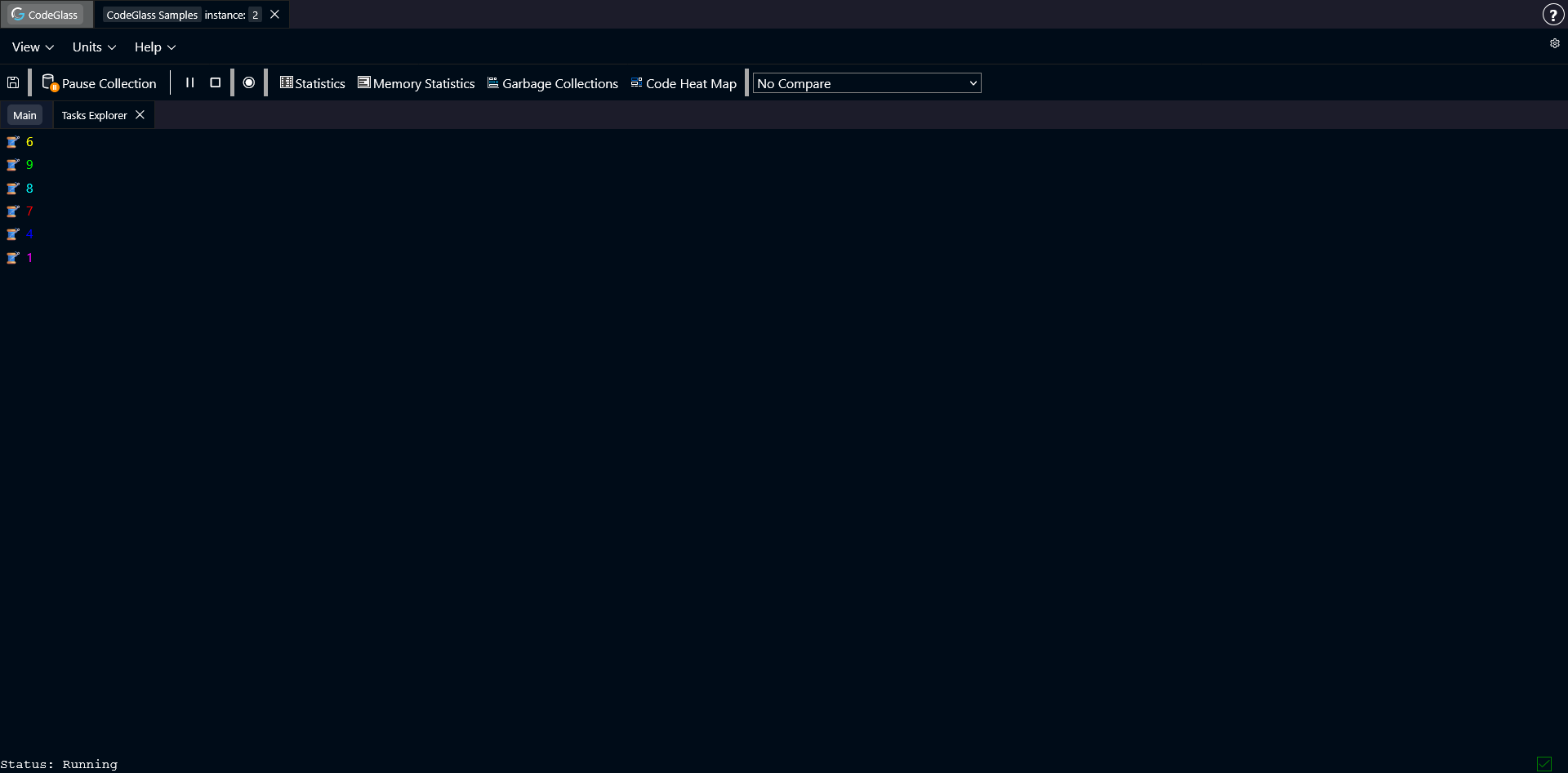
The Task Explorer shows a list of all tasks that were created during the run of your application.
Selecting a task from the list opens the Task Detail view.
Task Detail
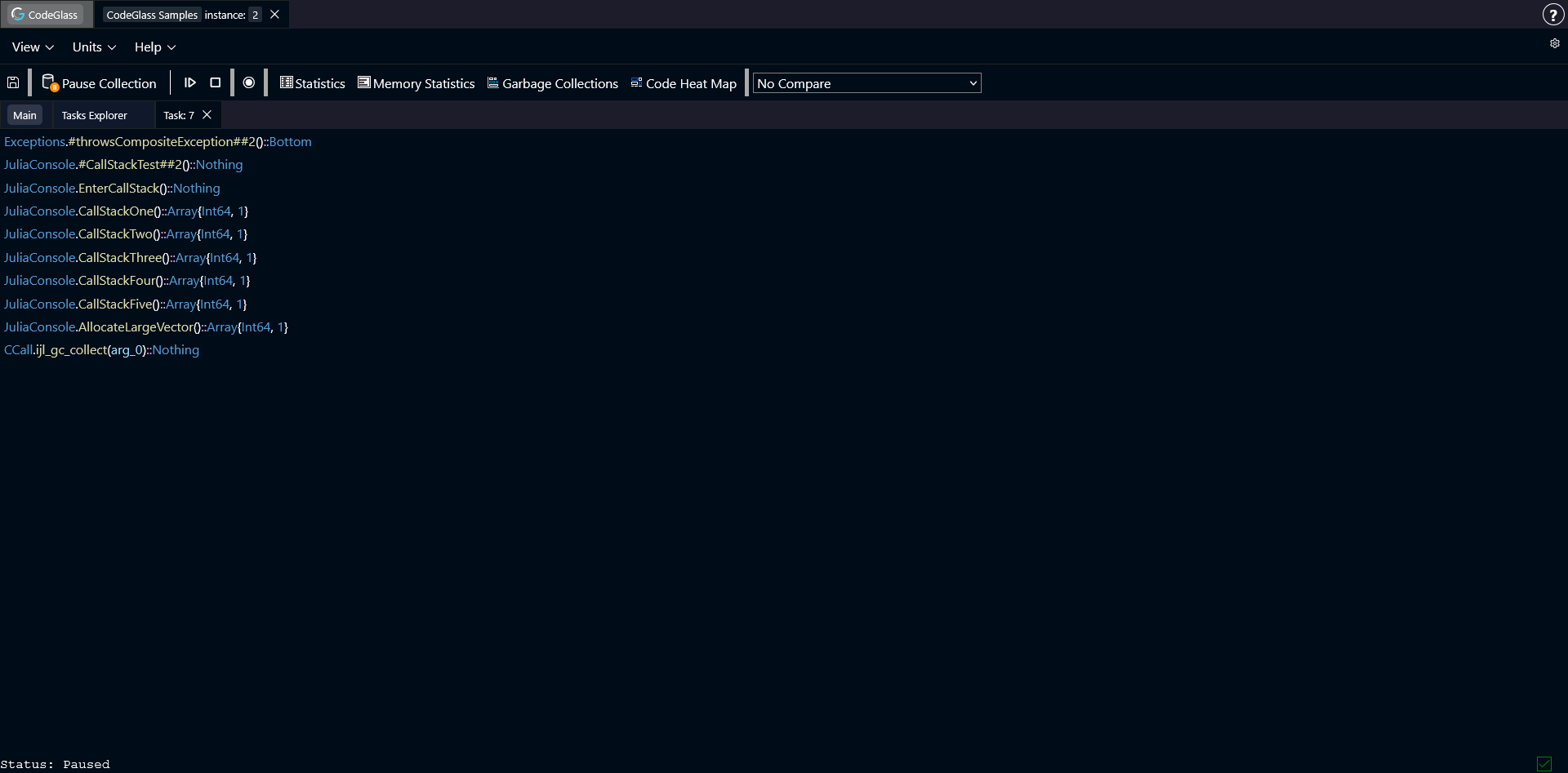
The Task Detail view shows the current call stack for the selected task.
The call stack grows downward, with each row representing a function call.
Double-clicking on a function in the stack opens the Code Member view for that function.